 Hi Boox Popular Magazine 2025
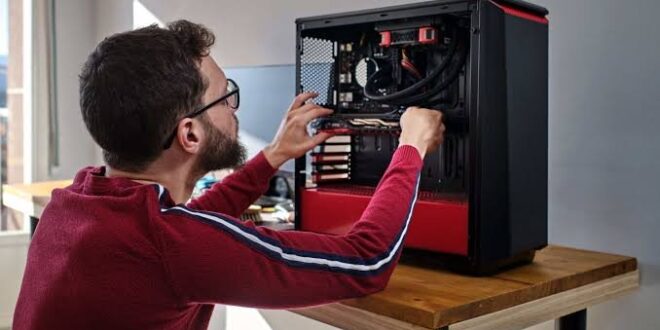
Building your own PC is one of the most satisfying technology projects you can undertake, and it produces a machine that is configured exactly the way you want it rather than approximating your needs through whatever combination a manufacturer decided to bundle together
. It is also a project that rewards preparation more than almost any other, because the decisions made before a single component is purchased determine how well the finished machine performs, how smoothly the build goes, and how much the whole thing costs relative to what it delivers. Here is what to understand before you start.
The Build Starts With a Purpose, Not a Parts List
The most common mistake people make when building their own PC is starting with components they want rather than the performance targets they need to hit.
A PC built around a specific resolution and frame rate goal, a defined set of workloads, and a realistic budget produces a more coherent and better-performing result than one assembled from impressive-sounding parts without a connecting logic.
Define the primary use case first. Is this a gaming build aimed at 1440p at high frame rates? A creative workstation that will run video editing software alongside gaming?
A competitive gaming machine where hitting very high frame rates at 1080p is the primary objective? Each of these leads to different component priorities and different budget allocations that produce meaningfully different machines.
Component Compatibility Is the Foundation
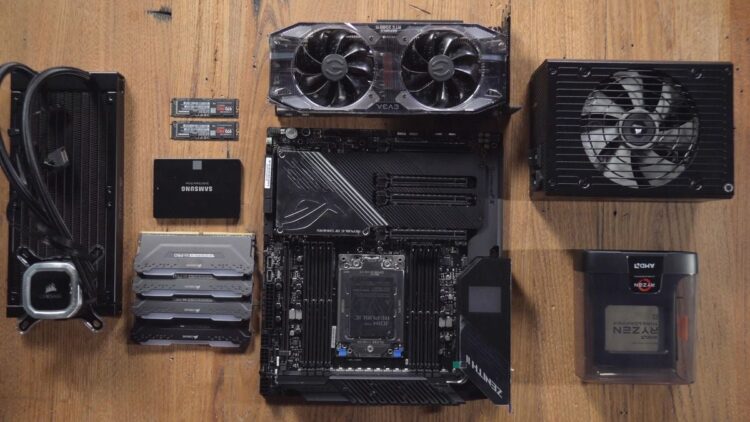
The technical knowledge that a self-build requires centers on component compatibility. Every component in the system needs to work with every other component, and the interactions between them are specific enough that assumptions are dangerous.
The motherboard chipset determines which CPU generations and socket types are supported. The CPU socket must match the motherboard socket exactly, with no flexibility.
The memory type, speed, and configuration supported by the motherboard determines which RAM kits are compatible and how many sticks can be installed. The case form factor determines which motherboard sizes fit inside it.
The power supply wattage needs to exceed the combined power draw of the CPU, GPU, and all other components with adequate headroom, and the connector types on the PSU need to match the requirements of the GPU and other components.
Getting any one of these wrong results in components that cannot be used together, which requires returns, additional shipping time, and potentially restocking fees that add cost to the build.
Where the Platform Approach Helps
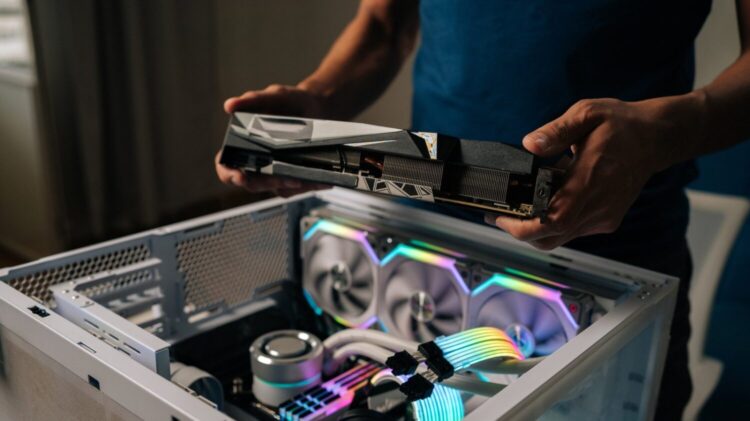
For builders who want the customization of a self-build without the full compatibility research burden, a configured platform is a useful middle ground.
iBuyPower’s build your own pc configurator allows you to select components across every category of the build with compatibility verification built into the selection process, which means the configuration you arrive at has already been checked for compatibility before you confirm the order.
The system is assembled and tested by iBuyPower’s build team, which removes the assembly step while preserving the component-level customization that makes a custom build different from an off-the-shelf system.
For buyers who want the specific components they have researched and chosen but do not want to handle the physical assembly and initial troubleshooting themselves, this approach produces the machine they specified without the hands-on build process.
GPU and CPU Selection
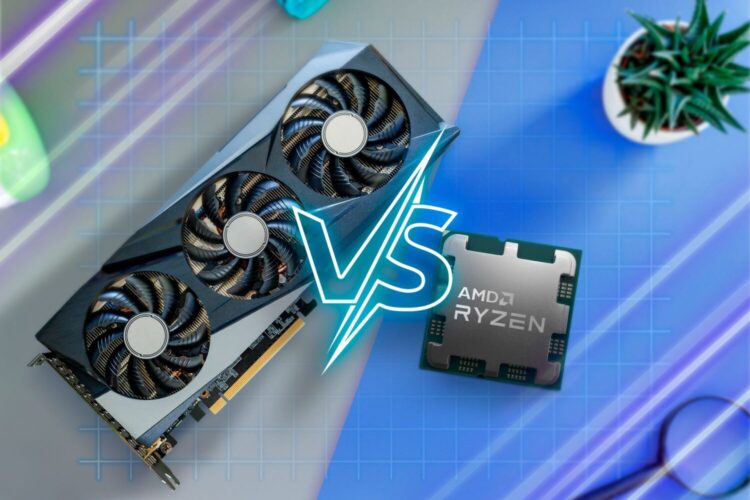
The GPU is the most important component in a gaming build and should receive the largest share of the budget. In most gaming scenarios at 1440p and above, the GPU is the primary performance bottleneck, and investing in a higher-tier GPU produces more tangible gaming improvement than the equivalent investment in any other component.
The CPU tier should be matched to the GPU tier to avoid creating a bottleneck in either direction. A flagship GPU paired with an entry-level CPU creates a CPU bottleneck in frame-rate-sensitive titles.
An entry-level GPU paired with a high-end CPU wastes CPU budget on performance the gaming workload does not use. A balanced build where both components sit in the same performance tier produces the best return on the total component budget.
Current generation CPUs from AMD and Intel both offer strong gaming performance, with differences between the two platforms more relevant for specific workloads and platform preferences than for raw gaming frame rates where the gap between comparable tier products is small.
Memory, Storage, and the Remaining Components
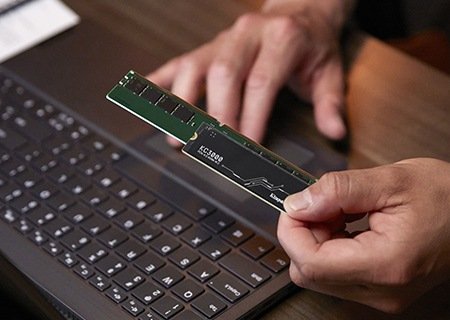
After the GPU and CPU, the remaining component decisions matter more for long-term usability than for immediate gaming performance. Thirty-two gigabytes of memory is the current practical standard for a new build, providing comfortable headroom for modern game requirements alongside any background workloads without the limitations that sixteen gigabytes is beginning to show in some recent titles.
Storage should center on a fast NVMe SSD as the primary drive for the operating system and frequently played games, with load times substantially faster than SATA alternatives. A high-capacity secondary drive handles the broader game library.
The case and power supply should be selected together, with the PSU wattage providing genuine headroom above the system’s expected peak draw rather than matching it exactly, which allows for future upgrades without replacing the PSU.