 Hi Boox Popular Magazine 2025
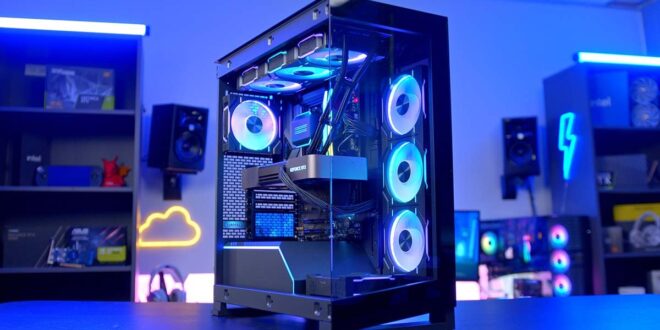
The PC case is the one component of a build that most people will look at every day for the next several years, and it is also the component that determines what everything else inside the build can and cannot be.
Choosing the wrong case creates problems that range from minor inconveniences to fundamental incompatibilities that require expensive corrections. Getting the case decision right from the start means understanding what actually matters beyond the exterior appearance.
Form Factor Is the First Constraint
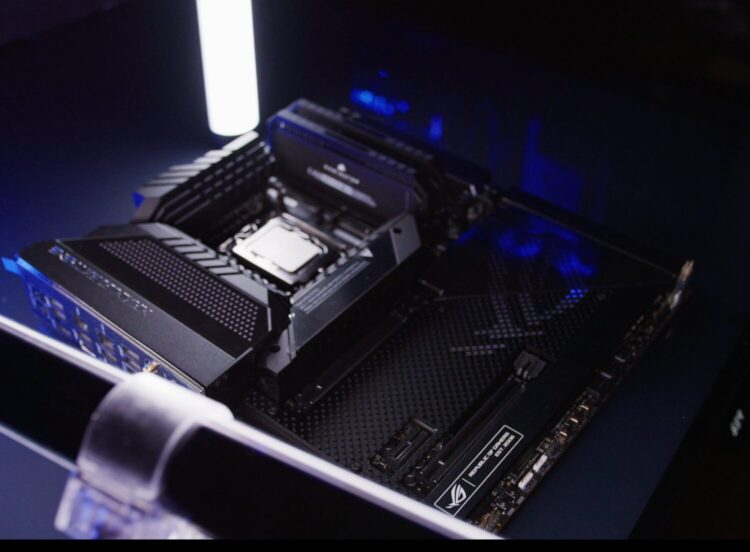
The case you choose determines which motherboards will fit inside it, and the motherboard form factor determines nearly everything else about the build. Full tower cases accommodate Extended ATX, ATX, Micro-ATX, and Mini-ITX motherboards.
Mid tower cases, which represent the most popular category, typically support ATX and smaller. Compact and small form factor cases are designed around Micro-ATX or Mini-ITX boards specifically and will not physically accommodate full-size ATX motherboards regardless of how the build is configured.
Getting this hierarchy wrong means the motherboard you want does not fit the case you bought, or the case you bought limits you to a smaller motherboard than the build requires.
Confirming the motherboard form factor before selecting a case removes the most common compatibility error in PC building.
GPU Clearance Is Non-Negotiable
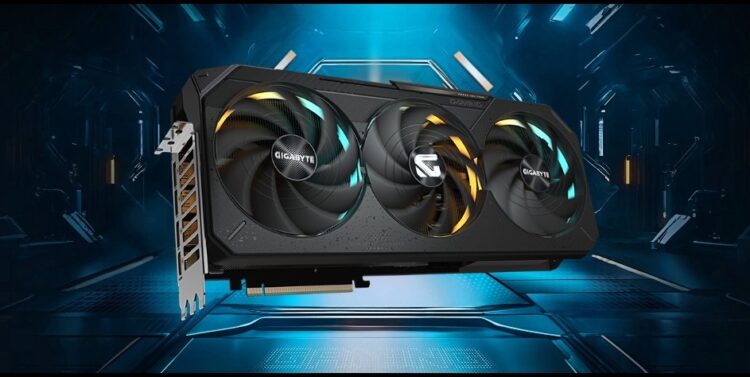
Modern graphics cards have grown substantially in both length and thickness, and not every case that accommodates the right motherboard will accommodate the GPU you intend to install.
GPU length clearance, measured in millimeters from the front fan or radiator mount to the back of the GPU slot, is specified in every case’s technical documentation and needs to be checked against the actual length of the GPU being used.
Width matters as much as length for modern cards. Three-slot and even four-slot GPU designs are no longer unusual in the high-performance segment, and cases designed with older two-slot clearance assumptions may not physically close around a thick modern card without modification.
Checking both the length clearance and the slot width clearance for the specific GPU against the specific case specification prevents a frustrating discovery during assembly.
Cooling Compatibility Shapes the Build
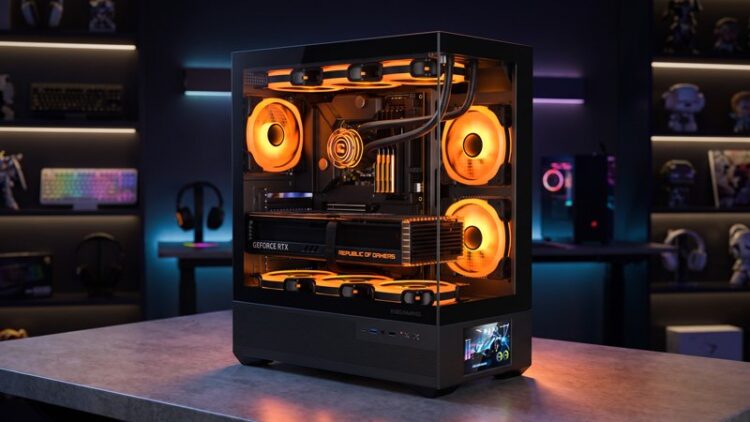
The thermal performance of a PC build is determined by the cooling components inside it, and the case determines which cooling configurations are possible.
Radiator support, measured by the size of radiator the case can accommodate and the locations where radiators can be mounted, is the most important cooling specification for builders planning a liquid cooling setup.
HYTE’s pc cases are designed with cooling as a central design consideration rather than an afterthought, offering support for large radiators in multiple mounting positions alongside thoughtful airflow paths that allow air cooling configurations to perform effectively.
The case architecture determines whether a 360mm radiator in the front and a 240mm on the top is possible, or whether the build needs to work within tighter constraints.
For air cooling, the relevant specification is CPU cooler height clearance, which varies significantly between case categories. Compact cases often limit cooler height to 60 or 70mm, which restricts the high-performance tower coolers that provide the best air cooling performance. Full and mid tower cases typically allow coolers in the 160 to 170mm range, which accommodates virtually all available tower coolers.
Cable Management and Build Experience
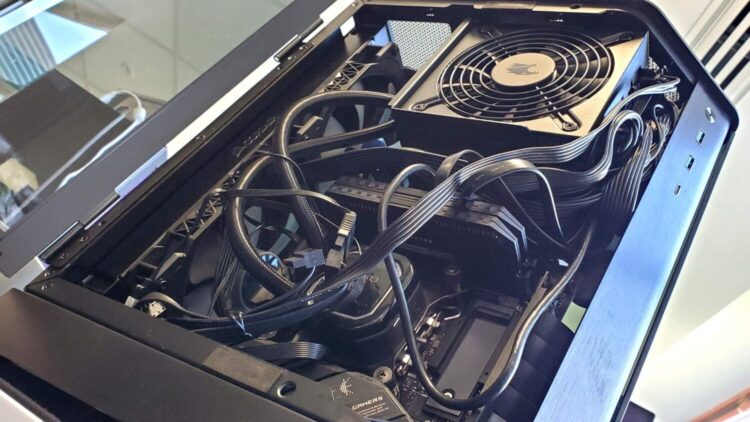
Cases with thoughtful cable management design make building and maintaining a PC significantly more pleasant and produce cleaner results even for builders who do not spend significant time on cable routing.
Features that matter include PSU shrouds that hide the power supply and most of the cabling below the motherboard tray, cutouts with rubber grommets that allow cables to be routed behind the motherboard tray cleanly, tie-down points that provide anchor locations for securing cable runs, and adequate depth behind the motherboard tray to accommodate the thickness of bundled cables without forcing the side panel.
A case with poor cable management design produces cluttered builds that restrict airflow, are harder to work in during upgrades, and look significantly worse through a glass side panel.
Aesthetics and Panel Design
For most builders, visual design is a genuine consideration alongside the technical specifications, and the case market has responded with a wider range of designs than at any previous point.
Tempered glass side panels that showcase the components inside have become standard across most mid and full tower designs. Some cases take the panel concept further with front panels or even full panoramic glass designs that treat the internal components as the visual centerpiece of the build.
The lighting compatibility of the case, including whether it includes ARGB lighting of its own and how its fan and lighting connections integrate with the motherboard’s lighting control software, determines how unified the final lighting look will be without additional controllers or adapters.