 Hi Boox Popular Magazine 2025
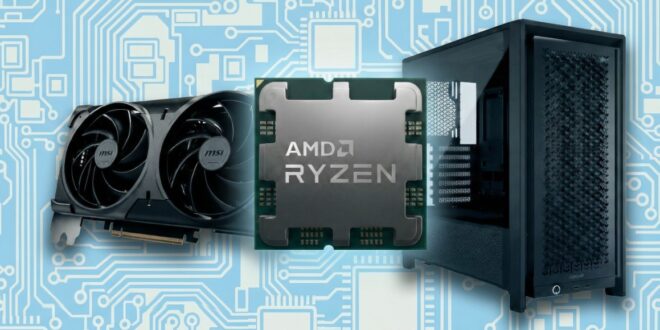
Building or upgrading a PC has never had more options attached to it, which sounds like a good thing until you are staring at a dozen variations of the same component trying to figure out which one actually matters for what you need. The component market moves fast, the marketing language is heavy, and the gap between what sounds impressive on a spec sheet and what makes a real difference in daily use is wider than most buyers realize.
Getting PC hardware right comes down to understanding what each component actually does, what the meaningful specs are, and how the pieces need to work together. None of that requires an engineering background. It just requires cutting through the noise.
Start With What You Are Actually Building For
The single most common mistake in PC building is buying components for someone else’s use case. A workstation built for video rendering has completely different requirements from a gaming rig, which is different again from a machine used primarily for productivity and browsing.
Before looking at any specific component, be clear on the primary purpose. Gaming puts the heaviest demands on the GPU. Content creation and video editing tax the CPU and RAM more heavily. A general-purpose machine benefits most from a fast storage drive and enough RAM to handle multitasking without slowing down. Knowing what you are building for tells you where to spend and where you can reasonably save.
The CPU and What Actually Matters
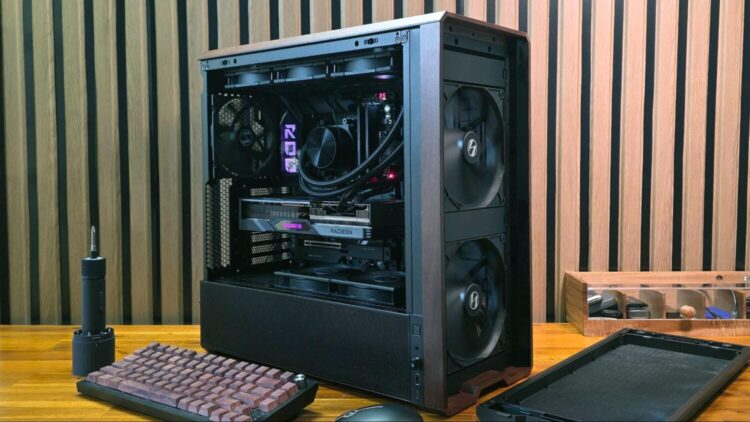
Processor marketing loves core counts, but raw core numbers are not the whole story. Clock speed, architecture generation, and how the chip handles single-threaded workloads all affect real-world performance in ways that a headline spec does not capture.
For gaming, single-core performance matters more than having a high core count, because most games do not saturate more than a handful of cores. For rendering, encoding, and productivity tasks that can use parallel processing, more cores make a meaningful difference. Matching the CPU choice to the actual workload is more important than chasing the highest-number chip on the market.
GPU – Where Gaming Builds Spend Most
The graphics card is where most gaming builds direct the largest portion of their budget, and for good reason. Frame rates, resolution support, and the ability to run demanding titles at acceptable settings all come from the GPU more than any other component.
VRAM capacity has become increasingly relevant as modern games push assets that require more onboard memory to run smoothly at higher resolutions. Eight gigabytes was comfortable for a long time. Twelve or sixteen is becoming a more future-proof target for anyone building a machine they expect to use for several years.
Power consumption is also worth factoring in. High-end GPUs draw significant wattage, which affects your power supply requirements and long-term electricity costs.
RAM – Capacity and Speed Both Matter
Sixteen gigabytes of RAM is the practical minimum for a gaming or general-purpose build today. Thirty-two is the comfortable sweet spot for anyone doing creative work or running multiple demanding applications simultaneously.
Speed matters alongside capacity. DDR5 has become the standard on current-generation platforms, and the performance difference over older DDR4 is meaningful in applications that are memory-bandwidth sensitive. Running RAM in dual-channel configuration, two sticks rather than one, delivers a noticeable improvement in real-world performance over single-channel setups at the same total capacity.
Storage – NVMe Is the Baseline
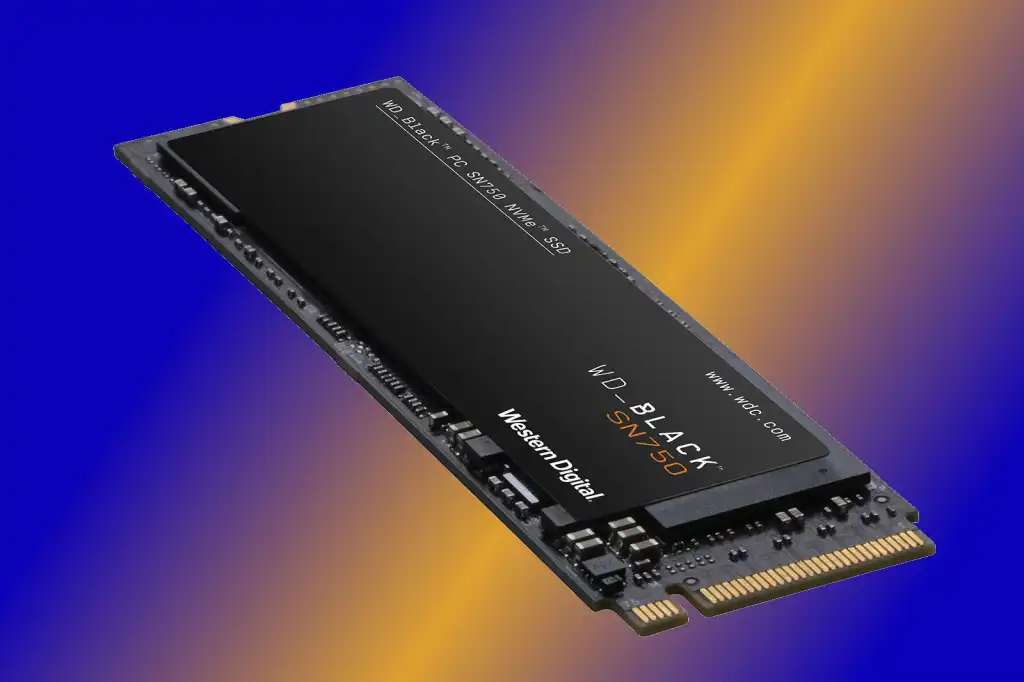
A traditional hard drive as a primary storage device is no longer a reasonable choice for a new build. NVMe SSDs deliver read and write speeds that make system boot times, application loading, and file transfers feel categorically faster than mechanical storage. PCIe Gen 4 drives are widely available and represent the current practical standard for primary storage.
A secondary mechanical drive for mass storage of files that do not need fast access remains a cost-effective way to expand capacity without spending SSD prices across the board.
HYTE builds its pc hardware lineup around components and cases designed to support high-performance builds without compromising on aesthetics or thermal management, which matters more as component power draw continues to climb.
Cases and Cooling – The Parts People Underestimate
Airflow and thermal management directly affect how consistently your components perform under sustained load. A CPU or GPU that throttles because it is running too hot delivers worse real-world performance than its specs suggest, regardless of how good the chip itself is.
A case with well-designed airflow, adequate fan mounting points, and enough clearance for your cooler is not an afterthought. It is the environment your components live in. Getting this right from the start avoids the frustration of thermal issues that are harder to fix after the build is complete.