 Hi Boox Popular Magazine 2025
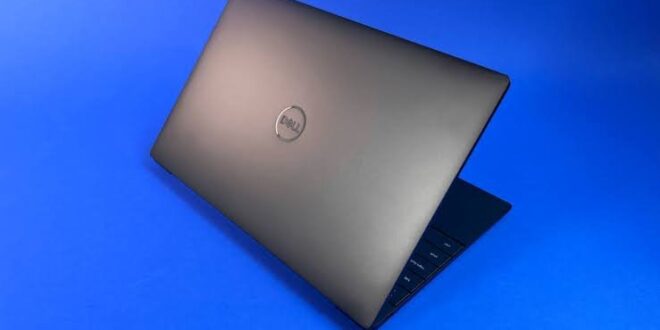
Laptop shopping has become increasingly confusing because specifications have continued to climb while many everyday tasks have barely changed.
A typical user may spend most of their time browsing the web, writing documents, joining video calls, managing email and streaming media, yet the machines being marketed to them can come with processors and graphics capabilities designed for far heavier workloads.
That creates an obvious question: how much laptop do most people genuinely need? For many users, the answer is considerably less than the latest marketing might suggest.
A carefully chosen refurbished macbook, for example, can provide more than enough performance for everyday work, study and general use without the cost attached to buying the newest model.
The key is to start with the tasks rather than the specification sheet.
Everyday Use Rarely Requires Extreme Performance
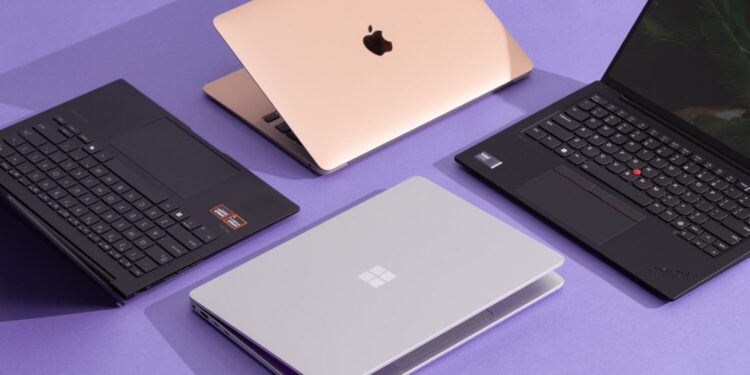
Modern laptops have become powerful enough that even machines several generations old can handle routine computing comfortably. Browsing with multiple tabs open, working in office software and streaming high-resolution video are not particularly demanding tasks by current standards.
This is important because buyers often focus on processor names and generation numbers without asking whether those differences will actually be noticeable.
A newer chip may be significantly faster in benchmark tests, but that advantage might be difficult to detect when writing an email or editing a spreadsheet.
For someone whose workload is relatively light, paying a substantial premium for the very latest processor can therefore provide little practical benefit. The extra performance exists, but the user may rarely call upon it.
Memory Often Matters More Than People Expect
RAM can have a greater effect on everyday smoothness than many buyers realise. A laptop with enough memory can handle several applications and browser tabs at once without constantly slowing down or shuffling data between memory and storage.
For basic use, modest memory can still be sufficient, but people who multitask heavily should think carefully before choosing the lowest available configuration.
A student switching between research tabs, video calls and document editing may place more pressure on memory than they expect, even if none of those individual tasks seems demanding.
It is also worth remembering that some modern laptops have limited upgrade options. Choosing enough memory at the start can therefore be more important than chasing a marginally faster processor.
The right amount depends on how the machine will be used, but balance is usually more valuable than maximising one specification while compromising elsewhere.
Storage Should Match Habits Rather Than Ambition
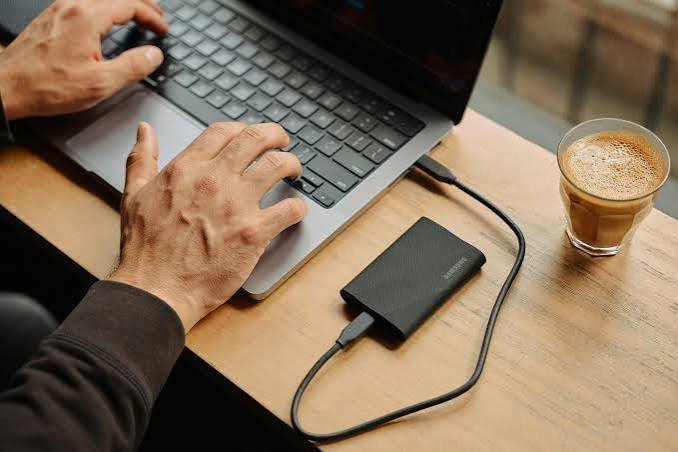
Storage is another area where buyers can easily overpay.
Someone who keeps most documents in cloud storage and streams music and video may need relatively little local space. A photographer, video editor or user with a large offline media library will need considerably more.
The sensible approach is to look at current storage use and then allow room for growth. Buying far more capacity than necessary can be expensive, while choosing too little can quickly become frustrating.
External drives and cloud services also change the calculation. Not every file needs to live permanently on the laptop itself, particularly when archives and backups can be stored elsewhere.
Screen Quality Can Matter More Than Raw Speed
Specifications such as processor speed are easy to compare because they come with clear numbers. Screen quality is harder to reduce to a single figure, yet it can have a much greater effect on everyday satisfaction.
A brighter display with good resolution, accurate colour and comfortable viewing angles can make hours of work noticeably more pleasant. The same applies to keyboard quality, trackpad precision and battery life.
These are areas where higher-end machines often distinguish themselves from inexpensive models.
This is one reason previous-generation premium laptops can remain attractive even when newer budget alternatives exist. The older machine may not have the latest processor, but it can still offer a better screen, stronger construction and a more refined keyboard or trackpad.
For users who spend several hours a day with the device, those qualities can matter far more than benchmark scores.
Think About How Portable the Laptop Really Needs to Be
Portability also deserves more thought than it often receives.
Someone who works mostly at a desk may not need to pay extra for an ultra-light machine. A slightly larger laptop may provide a bigger screen, more ports or better cooling without causing any real inconvenience.
A commuter carrying the laptop every day has different priorities. Weight, battery life and charger size may be more important than maximum performance.
Students can fall somewhere between the two, particularly if the laptop moves between home, lectures and libraries.
Buying according to actual habits is usually more sensible than choosing whichever model seems most impressive in a shop.
Creative Work Changes the Requirements
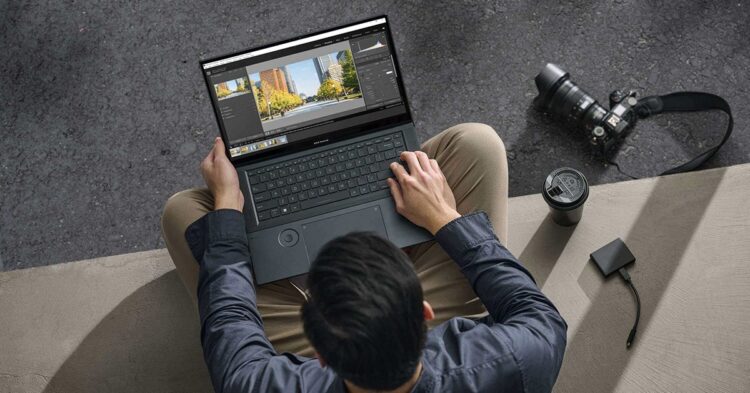
Everyday computing and creative workloads should not be treated as the same category.
Photo editing, music production, software development and particularly video editing can justify stronger processors, additional memory and more storage. Even then, the exact level of performance required depends on the work.
Someone editing short videos occasionally has different needs from a professional handling large 4K projects every day. A hobby photographer does not necessarily need the same machine as a designer working with complex files commercially.
The important point is to avoid moving directly from “I sometimes edit photos” to “I need the most powerful laptop available”.
Understanding the actual software and workload usually reveals a more sensible middle ground.
Software Support Matters When Buying Older Hardware
Choosing an older or refurbished laptop does require attention to software support.
A machine may still be physically capable of doing the job but approaching the end of operating-system updates. That can affect security and compatibility over time.
Buyers should therefore consider how long they expect to keep the device and whether the model is likely to remain supported during that period.
This is a better measure of useful age than simply looking at the year the laptop was released. A well-supported machine with adequate performance may remain practical for years, while something already near the end of its software life could become restrictive much sooner.
Refurbished Does Not Mean Compromising on Everyday Use
There is still a tendency to view refurbished technology as the option chosen only when the budget cannot stretch to new equipment.
That overlooks how much performance many previous-generation laptops still have available.
If the machine has been properly tested, its condition is clearly graded and it comes with a meaningful warranty, buying refurbished can simply be a way of avoiding the premium attached to brand-new hardware.
The important distinction is between professionally refurbished equipment and an unknown second-hand device with little information about its history.
A lower price is useful only if the machine remains dependable.
Buy for the Work You Actually Do
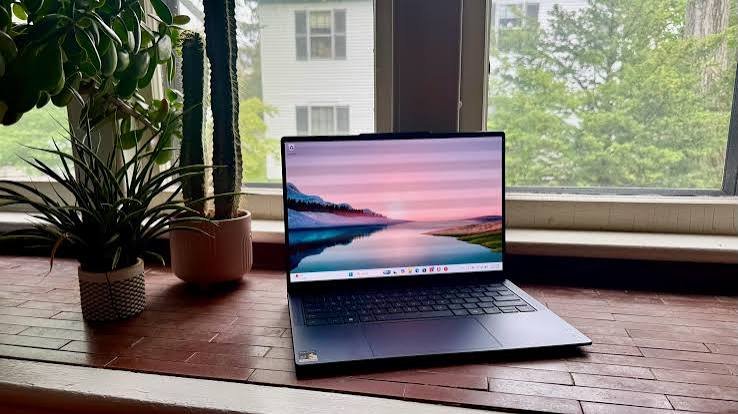
The easiest way to overspend on a laptop is to shop for hypothetical future demands rather than the tasks performed every day.
There is nothing wrong with leaving some performance headroom, particularly if the machine is expected to last several years.
The problem comes when buyers pay heavily for capabilities they are unlikely ever to use.
For ordinary work, studying, browsing and entertainment, today’s laptop market offers far more performance than many users genuinely need.
That gives buyers considerable freedom to look beyond the newest releases and concentrate instead on overall quality, condition and suitability.
The best laptop is therefore not necessarily the fastest machine the budget allows.
It is the one that handles the owner’s real workload comfortably, has enough capacity for the next few years and provides a screen, keyboard and battery experience they are happy to live with every day.
Once the decision is approached that way, buying technology becomes considerably simpler. Instead of chasing specifications, the buyer can concentrate on something far more useful: finding enough computer for the life they actually lead.